
Separate password from phrase
An unlock password controls local access; it is not your recovery phrase.
Understand the difference between an app unlock password and a recovery phrase, and choose safer next steps if you lose password access.
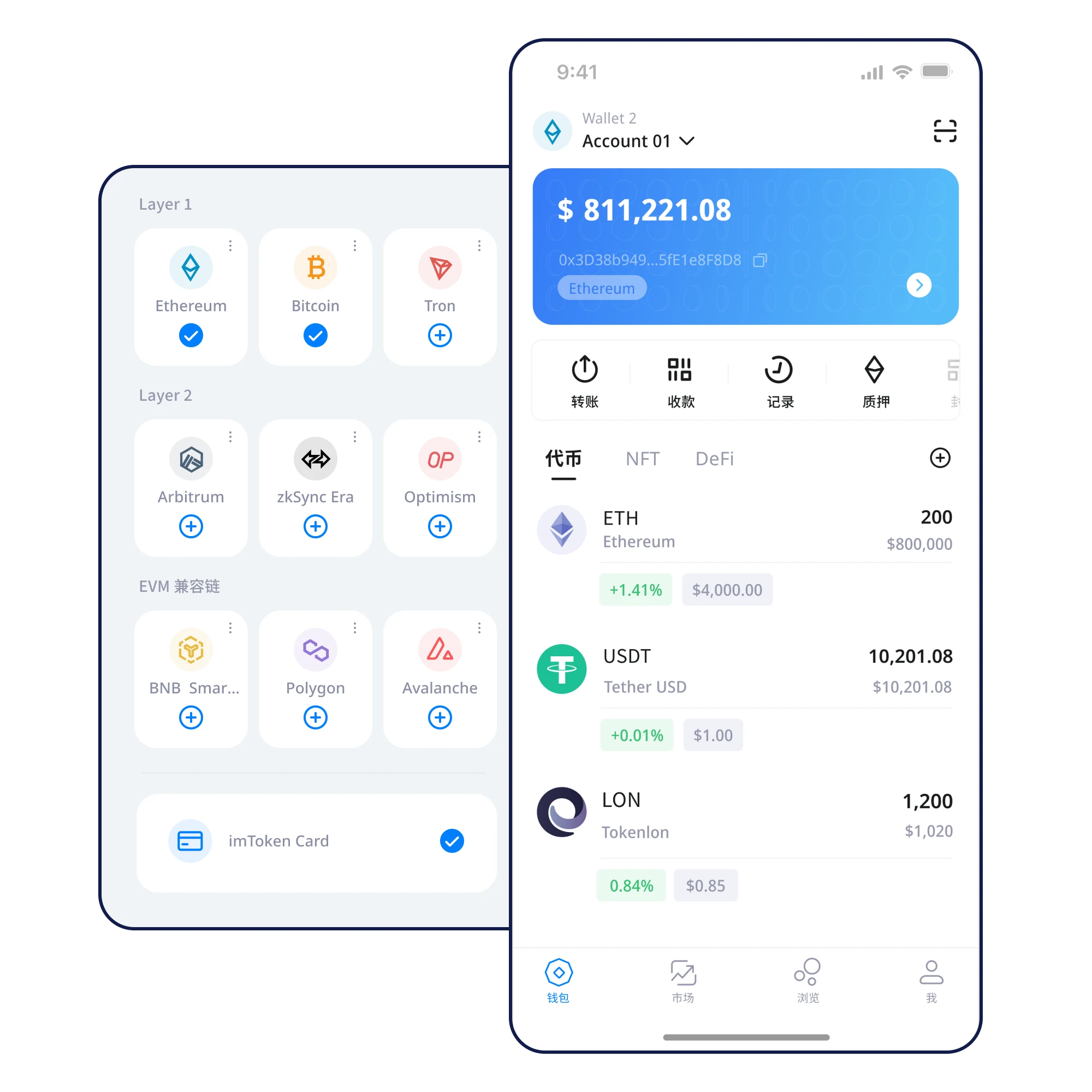
An unlock password controls local access; it is not your recovery phrase.
Do not uninstall or wipe anything until your backup is verified.
Follow instructions in a verified app on a trusted device.
Never send a recovery phrase to anyone promising to unlock your wallet.
Understand the difference between an app unlock password and a recovery phrase, and choose safer next steps if you lose password access.
Do not proceed if an unexpected website, message or transaction prompt asks you to reveal a recovery phrase. Independently verify the destination before sending assets.
Verify the source, protect your recovery phrase and review every transaction.
⬇ Download NowOn desktop, downloads are currently under maintenance.